SILAS
DIOLAZO
SILAS
DIOLAZO
SILAS
DIOLAZO
Crafting bold & creative solutions with passion and precision.
(Scroll)
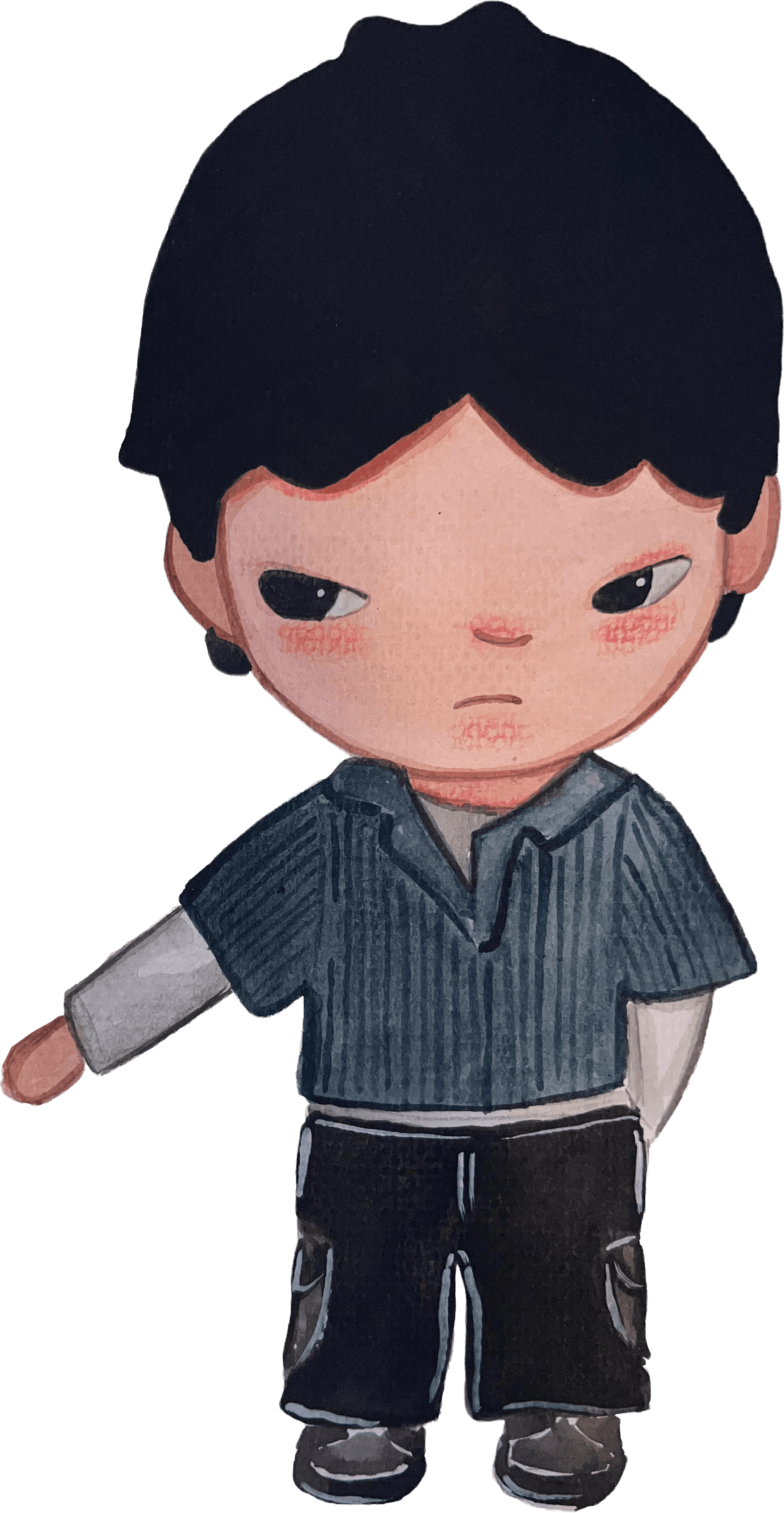
I transform narrative into environment—designing sets that support performance, camera, and story. By bridging creative and technical teams, I help build worlds that resonate on screen.
I transform narrative into environment—designing sets that support performance, camera, and story. By bridging creative and technical teams, I help build worlds that resonate on screen.
Featured
Work
Explore a curated selection of my standout projects
Explore a curated selection of my standout projects
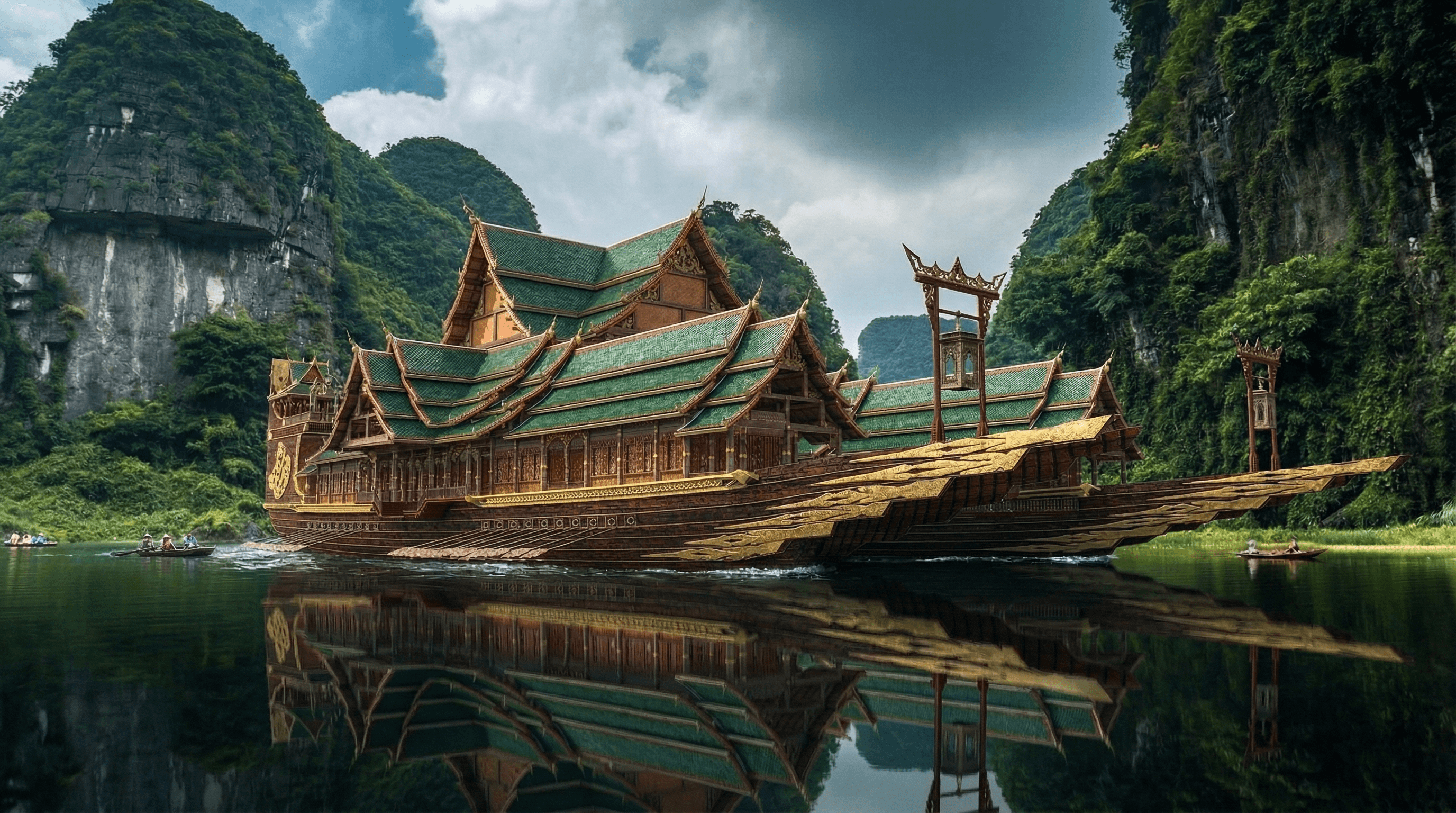

Designer
Based in california
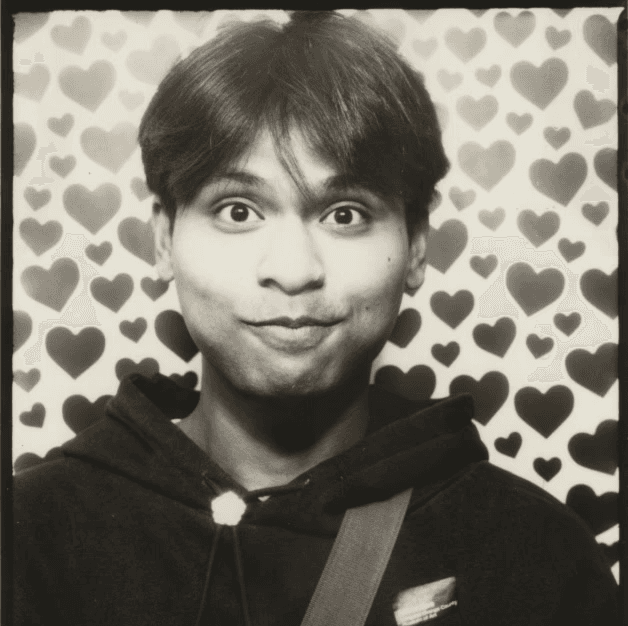
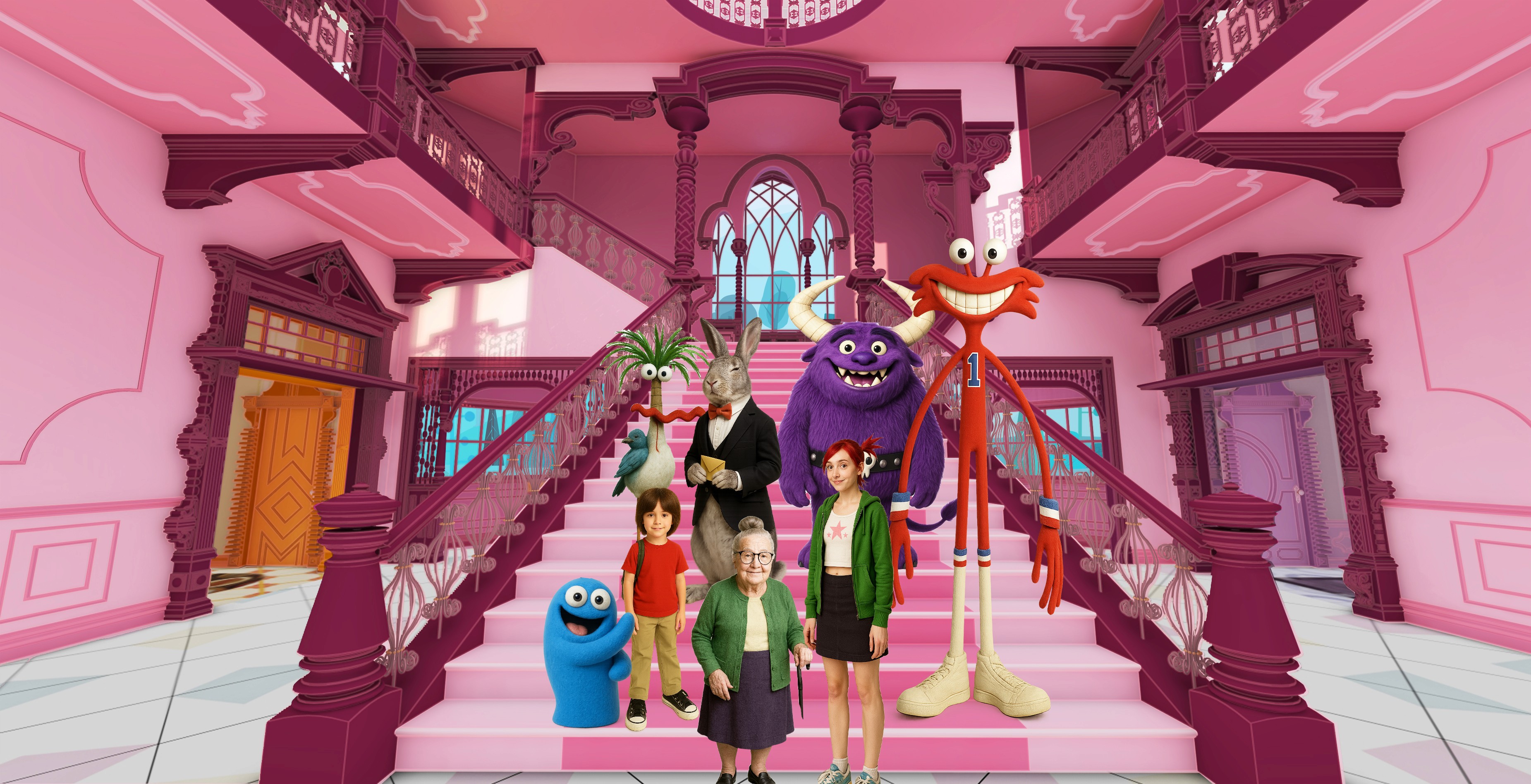
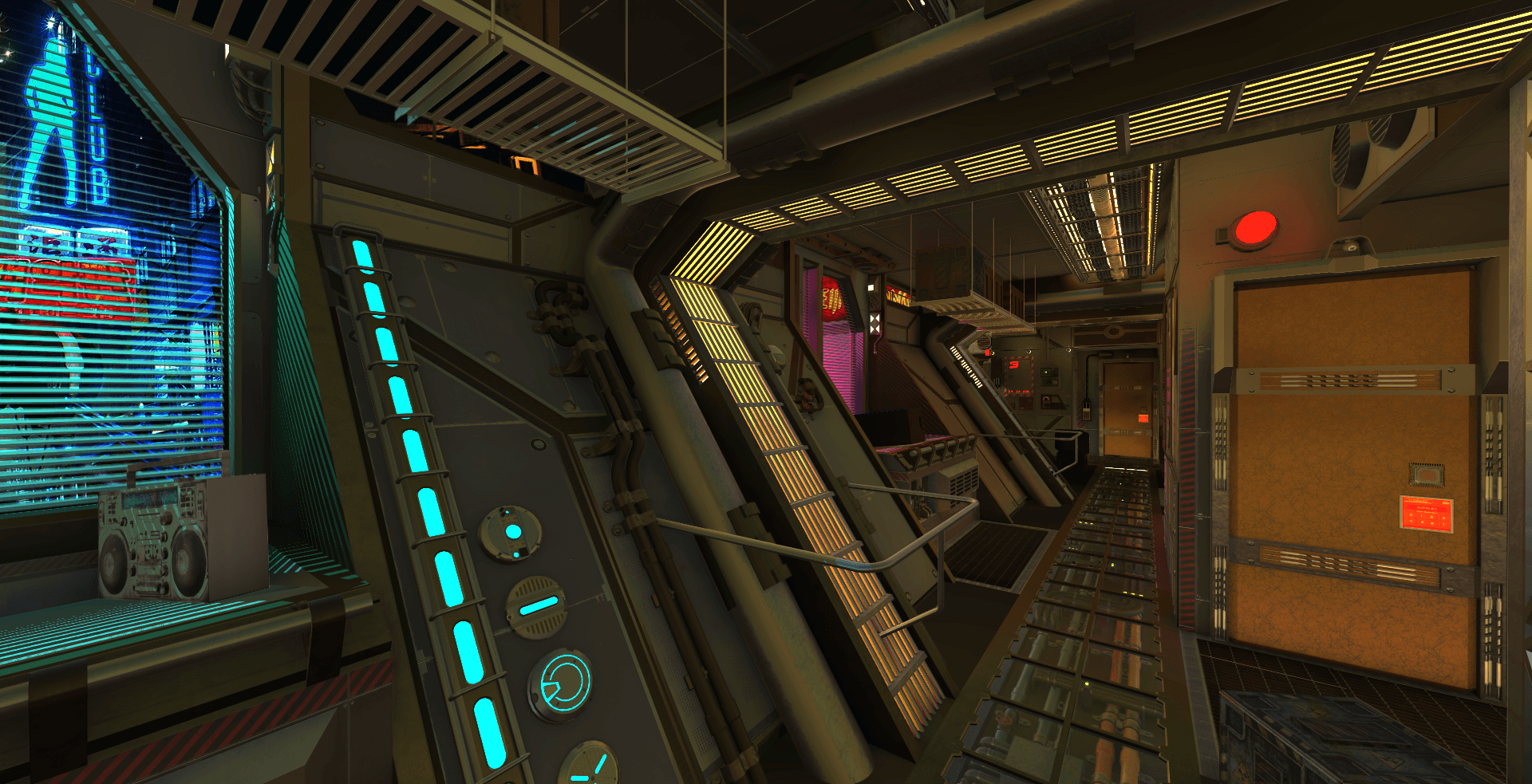
I blend creative vision with technical awareness to design immersive environments that serve both story and production.
Your narrative becomes my framework, guiding every material, texture, and spatial decision.
From concept development to fabrication and on-set delivery, I approach each project with clarity, innovation, and meticulous detail.
Whether collaborating with studios, agencies, or independent creators, I provide art department support that aligns seamlessly with your creative and logistical goals.

SKILLS & SOFTWARES
SketchUp elevates my design process beyond simple modeling, offering a dynamic space where I can construct immersive and fully realized environments. It allows me to explore scale, form, and composition without getting slowed down by technical complexity.
SketchUp
Tap to flip
Revit is an essential part of my workflow, allowing me to develop detailed, technically precise models with a strong focus on structure and accuracy. I use it to create coordinated designs that clearly communicate both form and function.

Revit
Tap to flip
Blender lets me treat design like a shot, not just an object. I use it to build atmosphere through lighting, texture, and composition, turning models into fully realized visuals.

Blender
Tap to flip
I use Rhino when a design calls for custom-built elements or precise fabrication logic. It’s especially useful for translating more complex set pieces into buildable geometry.

Rhino
Tap to flip
I use Rhino when a design calls for custom-built elements or precise fabrication logic. It’s especially useful for translating more complex set pieces into buildable geometry.
Rhino
Tap to flip
Microsoft Office is an essential part of my toolkit, enabling me to manage documents, data, and presentations with efficiency and clarity. I use it to maintain organization and ensure polished, professional communication across projects.

Microsoft Office
Tap to flip
I use Podium and Enscape to quickly generate realistic renderings, allowing me to communicate material, lighting, and atmosphere directly from my models.
Podium / Enscape
Tap to flip
Layout is an essential extension of my SketchUp process, enabling me to produce organized, dimensioned drawings and presentation sheets. I use it to clearly communicate technical information and design decisions in a professional format.
Layout
Tap to flip
ChatGPT is a supplementary tool I use to streamline research, develop ideas, and clarify communication within my projects.
ChatGPT
Tap to flip
I use AutoCAD to develop detailed drafting packages for sets, ensuring designs are clearly communicated and ready for build.
AutoCad
Tap to flip
I use InDesign to organize and present work with clarity, focusing on layout, hierarchy, and pacing to guide how a project is experienced.

InDesign
Tap to flip
I use Photoshop to refine, composite, and enhance visuals, ensuring images clearly communicate mood, detail, and intent.
Photoshop
Tap to flip
I use Unreal Engine to visualize environments as lived-in spaces, helping me evaluate how a set feels in motion, scale, and perspective.

Unreal Engine
Tap to flip
SKILLS & SOFTWARES

SketchUp elevates my design process beyond simple modeling, offering a dynamic space where I can construct immersive and fully realized environments. It allows me to explore scale, form, and composition without getting slowed down by technical complexity.
SketchUp
Tap to flip
Revit is an essential part of my workflow, allowing me to develop detailed, technically precise models with a strong focus on structure and accuracy. I use it to create coordinated designs that clearly communicate both form and function.
Revit
Tap to flip
Blender lets me treat design like a shot, not just an object. I use it to build atmosphere through lighting, texture, and composition, turning models into fully realized visuals.
Blender
Tap to flip
I use Rhino when a design calls for custom-built elements or precise fabrication logic. It’s especially useful for translating more complex set pieces into buildable geometry.
Rhino
Tap to flip
I use Rhino when a design calls for custom-built elements or precise fabrication logic. It’s especially useful for translating more complex set pieces into buildable geometry.
Rhino
Tap to flip
Microsoft Office is an essential part of my toolkit, enabling me to manage documents, data, and presentations with efficiency and clarity. I use it to maintain organization and ensure polished, professional communication across projects.
Microsoft Office
Tap to flip
I use Podium and Enscape to quickly generate realistic renderings, allowing me to communicate material, lighting, and atmosphere directly from my models.
Podium / Enscape
Tap to flip
Layout is an essential extension of my SketchUp process, enabling me to produce organized, dimensioned drawings and presentation sheets. I use it to clearly communicate technical information and design decisions in a professional format.
Layout
Tap to flip
ChatGPT is a supplementary tool I use to streamline research, develop ideas, and clarify communication within my projects.
ChatGPT
Tap to flip
I use AutoCAD to develop detailed drafting packages for sets, ensuring designs are clearly communicated and ready for build.
AutoCAD
Tap to flip
I use InDesign to organize and present work with clarity, focusing on layout, hierarchy, and pacing to guide how a project is experienced.
InDesign
Tap to flip
I use Photoshop to refine, composite, and enhance visuals, ensuring images clearly communicate mood, detail, and intent.
Photoshop
Tap to flip
I use Unreal Engine to visualize environments as lived-in spaces, helping me evaluate how a set feels in motion, scale, and perspective.
Unreal Engine
Tap to flip
SKILLS & SOFTWARES
SketchUp elevates my design process beyond simple modeling, offering a dynamic space where I can construct immersive and fully realized environments. It allows me to explore scale, form, and composition without getting slowed down by technical complexity.
SketchUp
Revit is an essential part of my workflow, allowing me to develop detailed, technically precise models with a strong focus on structure and accuracy. I use it to create coordinated designs that clearly communicate both form and function.
Revit
Blender lets me treat design like a shot, not just an object. I use it to build atmosphere through lighting, texture, and composition, turning models into fully realized visuals.
Blender
I use Rhino when a design calls for custom-built elements or precise fabrication logic. It’s especially useful for translating more complex set pieces into buildable geometry.
Rhino
Microsoft Office is an essential part of my toolkit, enabling me to manage documents, data, and presentations with efficiency and clarity. I use it to maintain organization and ensure polished, professional communication across projects.
Microsoft Office
I use Podium and Enscape to quickly generate realistic renderings, allowing me to communicate material, lighting, and atmosphere directly from my models.
Podium / Enscape
Layout is an essential extension of my SketchUp process, enabling me to produce organized, dimensioned drawings and presentation sheets. I use it to clearly communicate technical information and design decisions in a professional format.
Layout
ChatGPT is a supplementary tool I use to streamline research, develop ideas, and clarify communication within my projects.
ChatGPT
I use AutoCAD to develop detailed drafting packages for sets, ensuring designs are clearly communicated and ready for build.
AutoCad
I use InDesign to organize and present work with clarity, focusing on layout, hierarchy, and pacing to guide how a project is experienced.
InDesign
I use Photoshop to refine, composite, and enhance visuals, ensuring images clearly communicate mood, detail, and intent.
Photoshop
I use Unreal Engine to visualize environments as lived-in spaces, helping me evaluate how a set feels in motion, scale, and perspective.